
Cartoon Avatar Maker | ImageTool
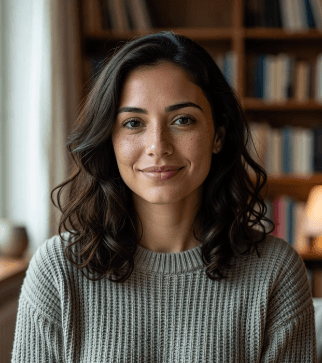
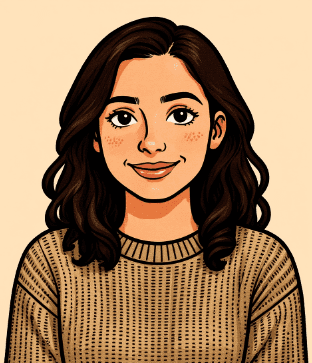
Use Cartoon Avatar Maker online to turn selfies into stylized profile art in seconds. Cartoon Avatar Maker helps create clean cartoon avatars for social media, branding, and personal use.
Or drop an image here
All-in-One AI Image Toolkit
Remove backgrounds, erase watermarks, restore old photos, turn selfies into avatars, make ID photos, expand images and turn PNGs into scalable SVG vectors.

Background Remover
One-click background removal

Object Eraser / Watermark Remover
Watermark / Debris removal

Expand Image
Intelligent image expansion

Image to SVG
Simple vector conversion

Logo Maker AI
Logo Maker

Old Photo Restore
Restore and colorize old photos

ID Photo Maker
One-click ID photo creation

AI Avatar Generator
Virtual cartoon avatar

Product Scene AI
Product scene generation
Image To Text
Extract editable text from images
Background Remover
One-click background removal
Object Eraser / Watermark Remover
Watermark / Debris removal
Expand Image
Intelligent image expansion
Image to SVG
Simple vector conversion
Logo Maker AI
Logo Maker
Old Photo Restore
Restore and colorize old photos
ID Photo Maker
One-click ID photo creation
AI Avatar Generator
Virtual cartoon avatar
Product Scene AI
Product scene generation
Image To Text
Extract editable text from images
Cartoon Avatar Maker Core Features
Cartoon Avatar Maker online features for prompt-guided editing, consistent avatar results and fine-grained creative control.
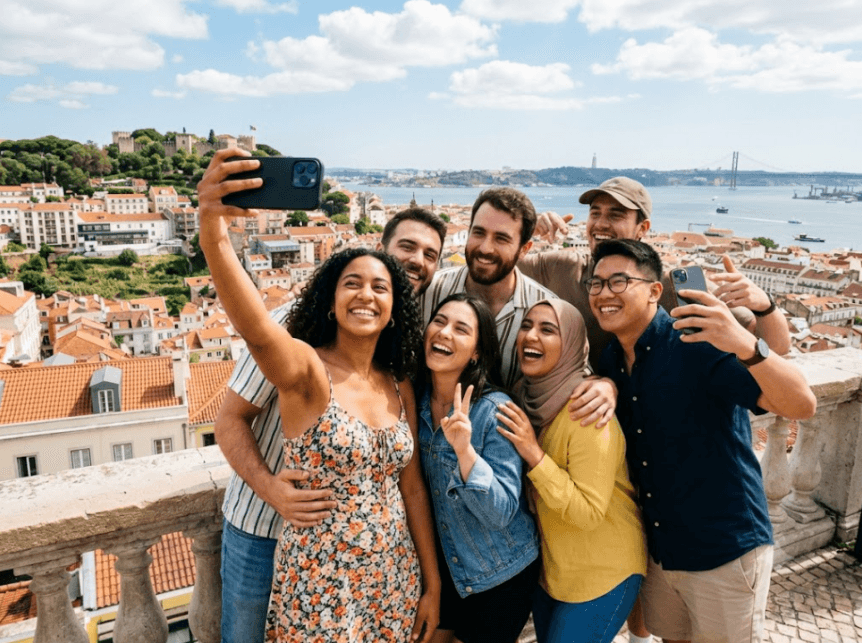
Natural and Delicate Cartoon Conversion Effect
Upload any portrait photo to get cartoon-style artwork with highly restored facial features and outlines. The clean, refined output can be directly used as profile pictures for social media and game accounts.
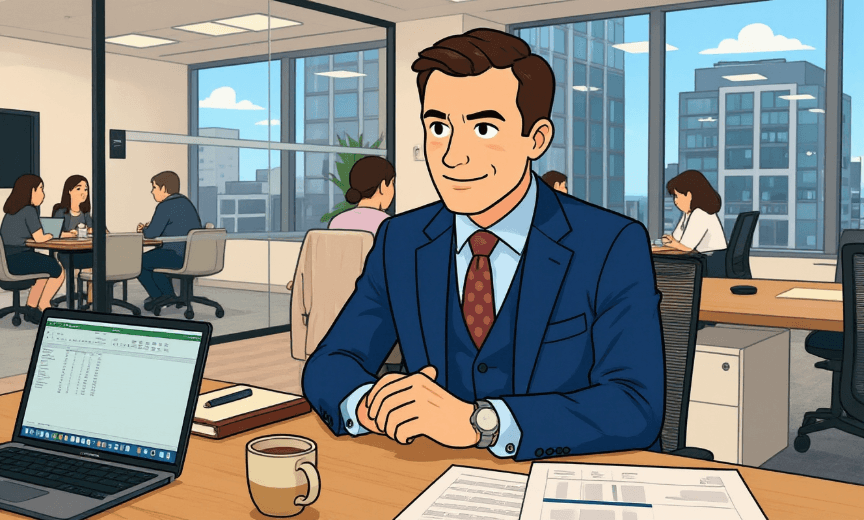
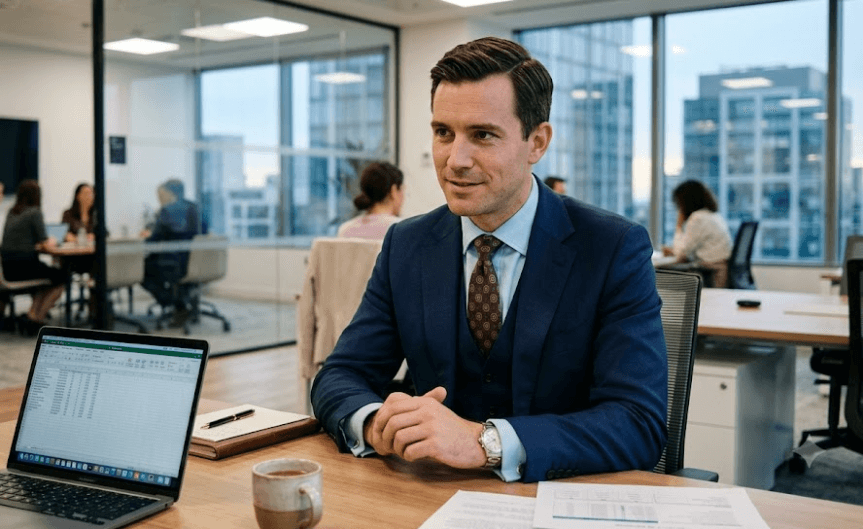
Diverse Derivative Portrait Creation Functions
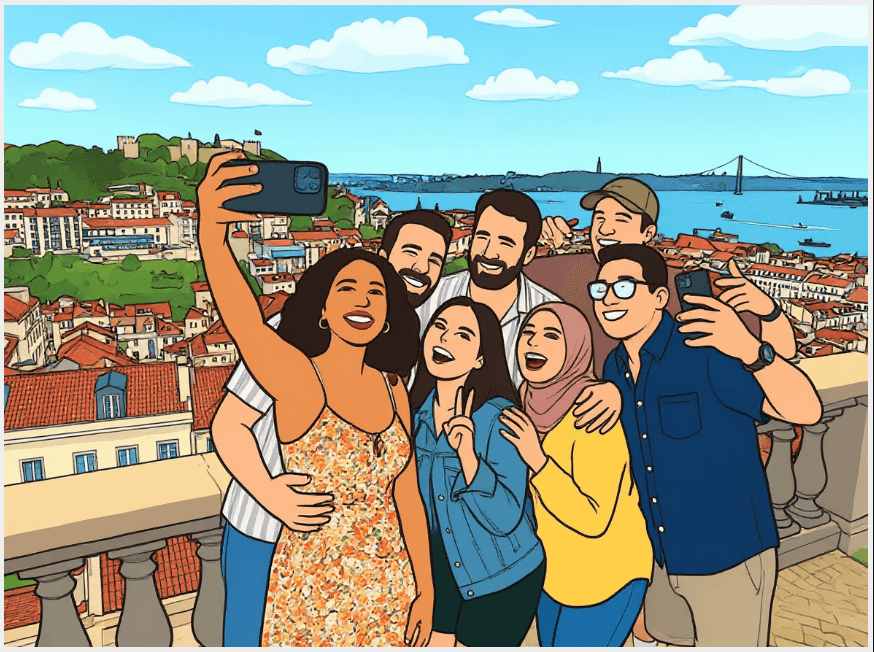
Apart from basic cartoon conversion, it supports professional corporate headshots and series portraits of the same style. You can also add landmark backgrounds to create atmospheric avatars to meet various personalized avatar needs.
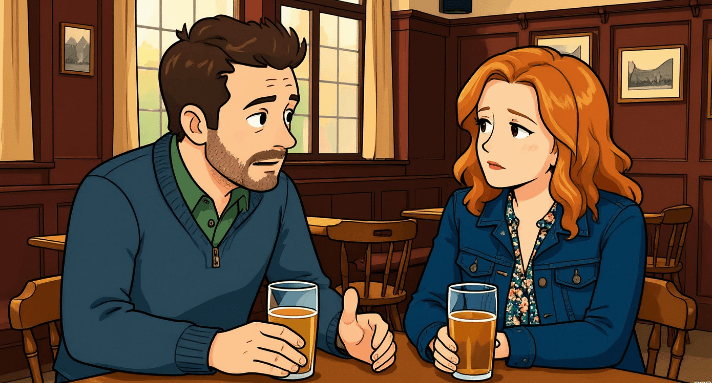
Consistent and Stable Output Quality
All generated cartoon portraits maintain balanced texture and unified style without distorted details. No extra retouching is required, and the finished files fit all mainstream platform avatar sizes perfectly.
Cartoon avatar maker use cases
scene-specific uses
Social Media Profile Pictures
Generate distinctive cartoon avatars for Instagram, TikTok, YouTube, Discord and messaging apps. Stylized cartoon portraits stand out among ordinary selfies while protecting personal facial privacy online.
Gaming & Streaming Identity
Create exclusive cartoon icons for game platforms, live streaming channels and online gaming communities. Custom cartoon images build unique personal digital personas for streamers and game enthusiasts.
Personal Content Creator Branding
Use cartoon avatars as channel logos, blog author portraits and video thumbnail decorations. A unified cartoon image helps creators form recognizable visual brand features across all content platforms.
Professional Team & Business Profiles
Make cartoon headshots for corporate internal accounts, business networking platforms and official contact pages. Soft cartoon styles deliver a friendly impression to clients and partners.
Personal Creative & Daily Use
Produce cartoon portraits for custom digital gifts, electronic greeting cards and personal illustration collections. It can also generate matching cartoon avatars for couples, friends and family groups.
All-in-One AI Image Toolkit
One-click solutions for all your photo editing needs
Background Remover
One-click background removal
Object Eraser / Watermark Remover
Watermark/Debris removal
Expand Image
Intelligent image expansion
Image to SVG
Simple vector conversion of ordinary pictures
Logo Maker AI
Logo Maker
Old Photo Restore
Restoration and coloring of old photos
ID Photo Maker
One-click creation of ID photos
AI Avatar Generator
Virtual cartoon avatar
Product Scene AI
Product scene generation
Image To Text
Extract editable text from images
Frequently Asked Questions
What image formats does ImageTool support?
ImageTool fully supports JPG, PNG and WEBP for uploads. You can export transparent PNGs, white-background PNGs and SVG files.
How do you protect my uploaded images?
All uploaded images are only temporarily cached for AI processing. We will never permanently store original images, nor use your images for model training or external circulation. All cached images will be automatically removed from our servers within 2 hours after you close the page.
Can exported images be used for commercial purposes?
Images exported under the free plan carry subtle watermarks and are only allowed for personal non-commercial use. Paid plans deliver watermark-free files, and you hold full personal and commercial copyright for all output assets, applicable to all business scenarios.
How accurate is the automatic cutout feature?
Our AI precisely handles complex edges including portraits, hair, sheer fabric, textiles and transparent products. Manual eraser and restore brushes are provided for you to touch up tiny flaws freely.
How to contact support for technical issues or suggestions?
If you encounter upload failures, functional errors, or have optimization requests for our product, feel free to email us at support@imagetool.io, and we will reply within working days.
Is there a file size limit for uploaded images?
The maximum size for a single uploaded image is 10MB. Over-sized high-resolution pictures can be compressed with our built-in compression tool before editing.
Can I restore the original photo after background removal?
Your original image will be temporarily saved during the current editing session. You can revert to the raw photo with one click without re-uploading; all temporary cache will be cleared automatically once you leave the page.
Can ImageTool remove watermarks and overlay text from pictures?
Yes. Our tool erases copyright watermarks, sample text, date stamps and brand overlays. The AI intelligently fills the covered areas to restore natural and complete background textures.
What is the difference between raster files and SVG vector exports?
PNG and JPG raster files are suitable for direct posting on social media. SVG vector graphics stay crisp without pixelation when scaled up, ideal for logos, icons, print materials and web visual assets.
Can I generate cartoon avatars from selfies?
You can upload portrait photos to create custom cartoon avatars in one click, which fit platforms including YouTube, Instagram, Discord and various game accounts.
Are exported SVG files editable in design software?
All SVG files are optimized into clean, editable paths, fully compatible with mainstream design tools such as Figma, Adobe Illustrator and Sketch for secondary editing.
How long will my image cache be stored?
All uploaded source images and edited drafts are stored temporarily only. The system will delete everything automatically 2 hours after page closure, and no image materials will be preserved long-term.
Can I customize the quality of exported images?
Paid users are allowed to adjust export quality and compression ratios freely. Free users receive standard fixed-quality output with no adjustable parameters.
Is a refund available after purchasing credits?
Refund requests are acceptable: full refund will be issued if none of the credits in your order have been consumed. If partial credits have been used, the refund amount will be calculated based on your remaining unused credits.
Cartoon Avatar Maker Online for Instant Profile Art
Use Cartoon Avatar Maker online to turn photos into clean cartoon avatars for social profiles, gaming identities, creator branding, and personal projects.